
Best IPTV player selection is, without question, the single most important decision a modern cord-cutter will make this year. You can have the fastest broadband on the block, a shiny 4K television mounted above the fireplace, and an IPTV subscription packed with thousands of channels — but if the application sitting between you and that content is poorly built, you will spend more time staring at spinning loading icons than actually watching anything. That is the reality too many streamers learn the hard way in 2026, and it is exactly why this guide exists.
Over the next 3,000 words, we will walk through everything you need to know: which apps dominate each platform, what technical features separate the elite from the mediocre, how to lock down your security, and how to troubleshoot the buffering that plagues so many households. Whether you are brand new to streaming or a seasoned enthusiast looking to upgrade your setup, this is the only resource you need.
Table of Contents
Why the Player You Choose Defines Your Entire Streaming Experience
A lot of people treat the player as an afterthought. They buy an IPTV subscription, download the first free app they find, and wonder why the experience feels nothing like the premium service they paid for. The truth is that the app is your entire window into that content. It controls how channels load, how the electronic programme guide (EPG) is rendered, how quickly you can switch between streams, and whether the picture holds steady during high-action sports sequences.
Think of it this way: a talented chef can produce extraordinary food, but if it is served on a cracked plate with a bent fork, the experience suffers. Your IPTV provider is the chef. The best IPTV player is the dining room, the table setting, and the service — all rolled into one.
The best IPTV player will:
- Handle large channel libraries without lag. Some IPTV subscription packages carry 10,000 or more channels. A weak player will crawl trying to render that list.
- Deliver a professional EPG. A well-mapped TV guide transforms the experience from feeling like piracy software to feeling like a premium cable package.
- Produce IPTV without buffering. Hardware-accelerated decoding, intelligent buffering algorithms, and adaptive bitrate support are the technical pillars behind smooth playback.
- Protect your privacy. Not all players are built with security in mind, and some create genuine vulnerabilities on your network.
What Makes an IPTV Player Truly “Best in Class” in 2026?
Before diving into specific applications, it helps to define the benchmark. The best IPTV player in 2026 must satisfy what industry professionals call the Eight Pillars of Modern Streaming Performance:
1. Intuitive Interface Design
A clean, navigable UI is non-negotiable. A great iptv smart player is operable with a standard TV remote, a game controller, or a mouse and keyboard — depending on the platform — without requiring a user manual to get started.
2. Stable and Smooth Playback
The promise of IPTV without buffering is only kept when the application utilizes hardware decoding correctly. Software-only decoding burns through CPU cycles unnecessarily, leading to dropped frames and stuttering — especially on compressed streams above 1080p.
3. Broad Format Support
M3U, M3U8, Xtream Codes API, and JSON playlist formats should all be supported natively. Your IPTV provider may use any of these, and you do not want to be locked out because your player only reads one.
4. Organized Content Architecture
Live TV, Video on Demand (VOD), and Series should each occupy their own clearly separated area. Mixing them creates a chaotic experience that feels amateurish.
5. Advanced Playback Controls
Subtitle support in multiple formats (SRT, ASS, VTT), multi-audio track selection, and playback speed adjustment are features that distinguish a professional iptv smart player from a basic media app.
6. Fast Search and Filtering
When your IPTV subscription contains tens of thousands of entries, a fast, accurate search engine is not a luxury — it is a necessity. Filtering by group, language, or resolution saves time and frustration.
7. Long-term Reliability
Operating systems evolve. Android 14, iOS 18, and the latest versions of Windows 11 all introduce changes that can break older apps. The top-performing app is one maintained by an active development team that ships updates in response to platform changes.
8. Secure Content Handling
This point deserves its own section — and it will get one later in this guide — but in short: the player you install on your device should not introduce security vulnerabilities that compromise your home network or personal data.
Best IPTV Players for Android TV and Amazon Firestick
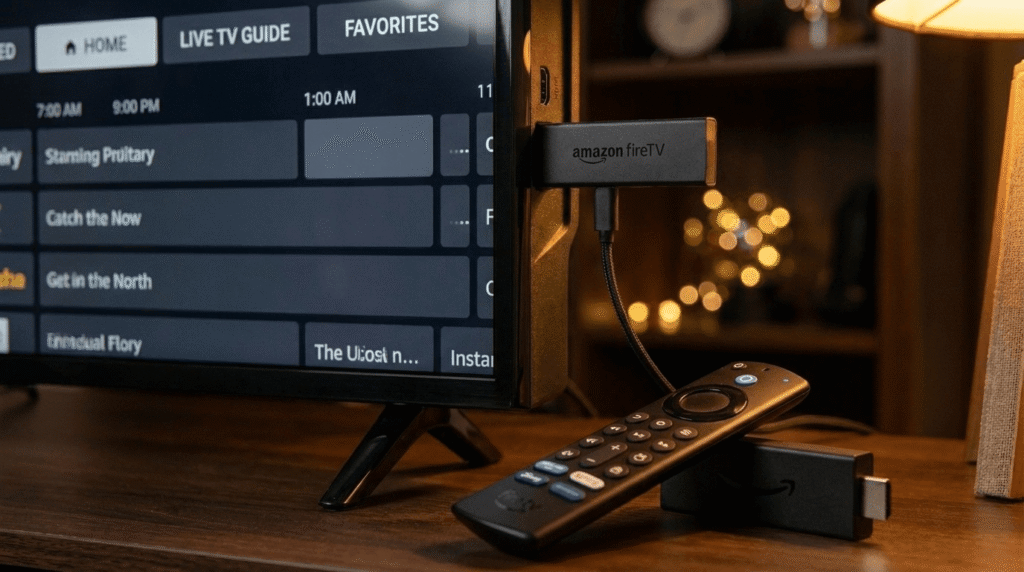
Android-based devices — including Amazon Firestick, NVIDIA Shield, Chromecast with Google TV, and Android TV boxes — represent the largest ecosystem for IPTV. The app library is enormous, but the quality varies wildly.
TiviMate IPTV Player — The Undisputed Champion
If you only read one recommendation in this entire guide, let it be this one: TiviMate IPTV Player is the best IPTV player available for Android TV and Firestick in 2026, and it is not particularly close.
What sets TiviMate IPTV Player apart from every competitor is the combination of a television-native interface, rock-solid performance, and a feature set that genuinely rivals professional broadcast software. The interface is built from the ground up for remote control navigation. Every menu, every transition, and every loading screen has been thoughtfully designed so that you never feel like you are using a phone app awkwardly repurposed for a big screen.
Core features of TiviMate IPTV Player:
- Multiview Mode: Watch up to nine live channels simultaneously on a single screen. Perfect for sports fans who refuse to miss simultaneous fixtures.
- Scheduled DVR Recording: Set one-time or recurring recordings to local storage, a USB drive, or a network-attached storage (NAS) device.
- Custom Channel Groups: Manually sort channels, rename groups, assign custom logos, and hide categories you never use. Your IPTV subscription becomes a fully personalized experience.
- Catch-Up TV: If your IPTV provider supports it, TiviMate IPTV Player maps catch-up content directly into the EPG, so you can scroll backward in the TV guide and watch programmes that already aired.
- Auto-Reconnect: When a stream drops momentarily, the player automatically attempts reconnection without forcing you to navigate back to the channel list manually.
The premium version of TiviMate IPTV Player carries a modest annual fee, but for anyone serious about their streaming setup, this is an investment that pays for itself within the first week of use.
IPTV Smarters Pro — The Cross-Platform Workhorse
IPTV Smarters Pro (also available in a lighter variant called Smarters Player Lite) is the most widely deployed iptv smart player across the globe. Its popularity stems from one key advantage: it works on nearly everything. Android phones, Android TV, iOS, Samsung Smart TVs, and LG webOS devices all run Smarters with reasonable performance.
As a top streaming app option for households with mixed device ecosystems, Smarters Pro earns its reputation. It reads both M3U playlists and Xtream Codes credentials, supports VOD and series libraries alongside live TV, and includes a built-in connection speed test — useful for verifying whether your IPTV provider is delivering the throughput required for 4K streams.
Notable Smarters Pro features:
- Master Search: Locates movies, series episodes, and live channels across multiple loaded playlists simultaneously.
- Parental Controls: Lock individual categories with a PIN, ensuring that age-restricted content is inaccessible without authorization.
- External Player Support: Route streams to VLC or MX Player for enhanced hardware decoding on older devices.
XCIPTV Player — The Dark Horse
XCIPTV has grown a devoted following among users who prioritize visual polish. Its interface is sleek and modern, and it handles large IPTV subscription playlists with impressive speed. The external player routing feature is particularly valuable for delivering IPTV without buffering on budget Android hardware that struggles with software decoding.
Best IPTV Player for Apple TV (tvOS)
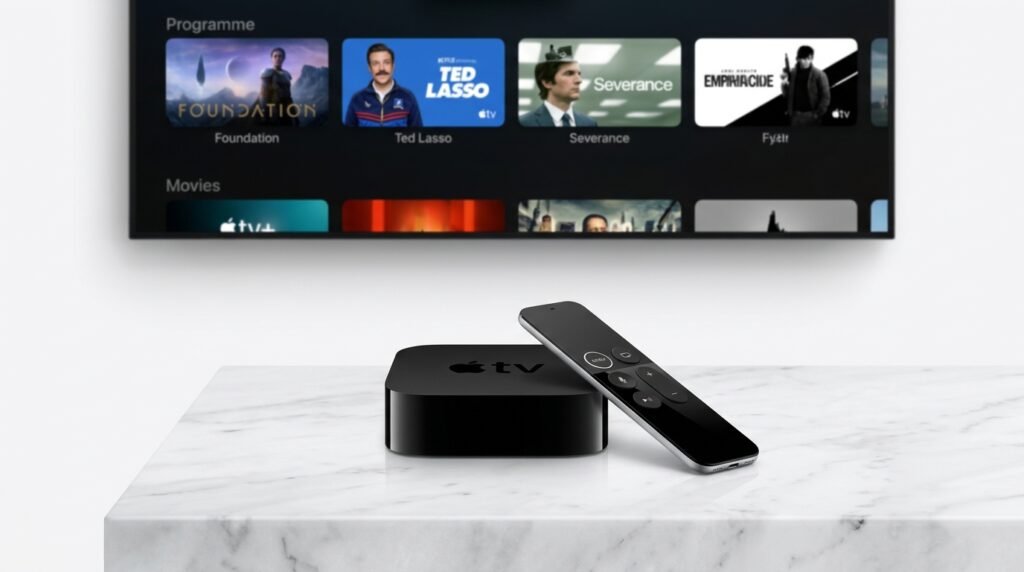
Apple TV users face a different challenge. The App Store’s content policies are stricter, which means fewer apps make it through approval — but the ones that do tend to be significantly better built than what you find on less curated platforms.
iPlayTV — The Premium tvOS Choice
iPlayTV is the best IPTV player for Apple TV in 2026. Built specifically for tvOS rather than ported from iOS, it handles large channel lists with a fluency that feels native to the platform. The interface adopts Apple’s design language naturally, using familiar navigation patterns that any Apple TV user will recognize immediately.
For those with a large IPTV subscription, iPlayTV’s ability to load and scroll through thousands of channels without lag is a genuine differentiator. EPG support is robust, pulling XMLTV data reliably and presenting it in a guide layout that mirrors a traditional cable programme schedule.
IPTVX — The Multi-Device Apple Ecosystem Solution
If your household is deeply invested in Apple hardware — Apple TV in the living room, iPad in the bedroom, iPhone on the go — IPTVX is the iptv smart player that ties everything together. It uses iCloud synchronization to keep your playlists, favourites, watch history, and custom settings consistent across every device signed into your Apple ID.
The VOD browsing interface in IPTVX is genuinely impressive. It adopts a Netflix-style grid layout with poster artwork fetched automatically, making it the most visually appealing way to browse a large on-demand library from any IPTV provider.
Best IPTV Player for Windows and PC
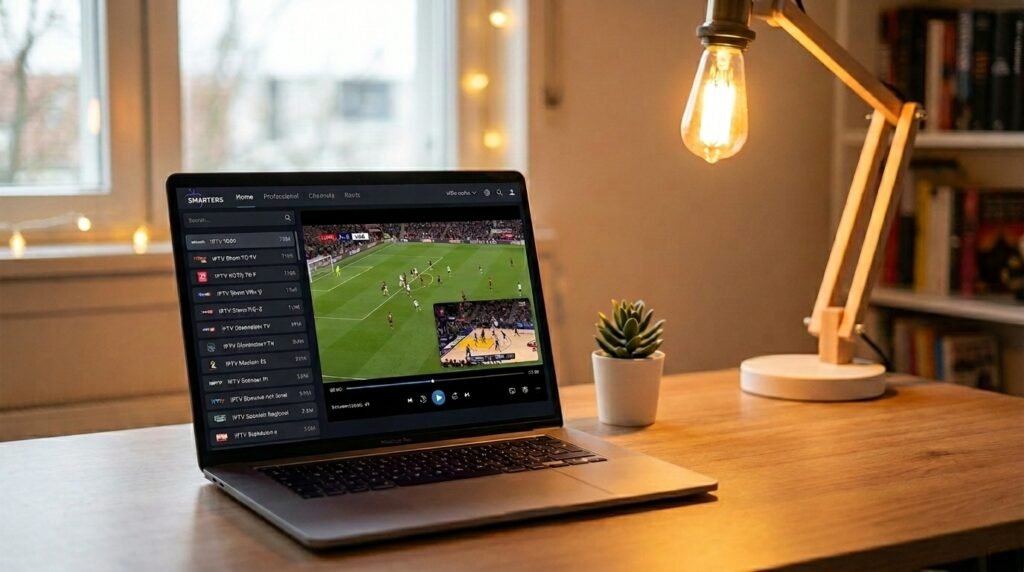
The desktop streaming experience is distinct from television-first apps, and the requirements differ accordingly. PC users typically want multitasking capability, a wider range of format support, and the ability to manage playlists from a browser-based interface.
IPEXO IPTV Player — Windows’ Strongest Contender
Available through the Microsoft Store, IPEXO IPTV Player has established itself as the leading best IPTV player for Windows 10 and Windows 11 users. It supports M3U, M3U8, and Xtream Codes — covering virtually every format a modern IPTV subscription might use.
IPEXO’s standout features for desktop users:
- Picture-in-Picture (PiP): Keep a stream running in a floating window while you work in other applications. This single feature alone makes it invaluable for professionals who want background entertainment.
- Remote Playlist Management: Add, edit, and organize your playlists through IPEXO’s web portal, then have those changes sync automatically to the app.
- Universal Content Search: Search across your entire library by name, content group, release year, or genre.
For achieving IPTV without buffering on a desktop machine, IPEXO is highly recommended. Its hardware decoding implementation is efficient, and it places minimal strain on system resources even during extended viewing sessions.
VLC Media Player — The Open Source Classic
VLC remains one of the most trusted names in media playback, and while it was not designed specifically as an iptv smart player, it handles M3U playlists competently. For users who only need occasional IPTV playback and do not require a full EPG or recording features, VLC’s zero-cost, open-source nature makes it a reasonable supplementary option.
Best IPTV Player for Linux
Linux users represent a passionate and technically sophisticated segment of the streaming audience. They tend to prioritize open-source solutions, system stability, and minimal resource consumption.
Hypnotix — The Linux Mint Native
Developed by the Linux Mint team, Hypnotix is purpose-built for the Linux desktop. It ships with built-in support for legally free providers like Free-TV, meaning you can start watching content immediately after installation without even needing an IPTV subscription. For users who add their own M3U playlists, the experience is clean, fast, and refreshingly simple.
yuki-iptv — For EPG-Focused Linux Users
Where Hypnotix keeps things simple, yuki-iptv goes deeper. Its EPG integration and playlist management tools are among the most advanced available on Linux. If you rely heavily on a programme guide to discover and schedule content, yuki-iptv is the best IPTV player for your Linux workflow.
Security — The Conversation the IPTV Community Avoids
Security is the topic most IPTV forums ignore, and ignoring it is a mistake that can have real consequences. Research presented at the USENIX Security Symposium under the study titled “Rise of Inspectron” examined dozens of Electron-based media players — the same framework used to build apps like IPTVnator — and the findings were sobering.
Key security findings for IPTV players:
- Disabled Web Security: Several players were found to explicitly disable the Same-Origin Policy (SOP), a foundational browser security mechanism. While this makes it easier to load content from multiple IPTV provider sources, it also opens the door to cross-site scripting attacks and session hijacking.
- Outdated Chromium Engines: Many Electron-based players ship with versions of the Chromium rendering engine that are two to four years behind current releases. These contain well-documented vulnerabilities in V8 (JavaScript) and Blink (rendering) that have long been patched in modern browsers like Chrome and Edge — but remain exploitable inside these apps.
- No Code Signing: Some players distributed outside official app stores lack code signing, meaning there is no verification that the binary you downloaded has not been tampered with between the developer’s server and your device.
Practical security recommendations:
- Prefer players distributed through official app stores (Google Play, Apple App Store, Microsoft Store) where code is reviewed before publication.
- Favor applications with active GitHub repositories or visible development teams that ship security patches promptly.
- Avoid running unknown Electron-based players on the same machine where you conduct sensitive financial or personal activities.
- Use a VPN not just for performance reasons — as discussed below — but to add an additional layer of network isolation around your streaming traffic.
Technical Optimization — Achieving IPTV Without Buffering
The best IPTV player in the world will still buffer if the environment it operates in is poorly configured. Achieving IPTV without buffering requires addressing the full chain from your internet connection to your player settings.
Connection: Ethernet Beats Wi-Fi Every Time
For serious streaming, a wired Ethernet connection is non-negotiable. Wi-Fi introduces packet loss, latency spikes, and interference from neighboring networks. For 4K content delivery from your IPTV subscription, a stable 25 Mbps minimum is required — but more importantly, the connection must be consistent, not merely fast in bursts.
VPN: Performance and Privacy in One
Many Internet Service Providers throttle high-bandwidth video traffic during peak hours, particularly streams identified as coming from an IPTV provider. A premium VPN — specifically one with servers optimized for streaming — can bypass this throttling and stabilize your connection. Look for VPNs that offer split tunneling, which allows only your streaming traffic to route through the encrypted tunnel while other applications use your normal connection.
Buffer Size Configuration
Most advanced players, including the best IPTV player options reviewed in this guide, allow manual adjustment of the stream buffer size. For live sports content with high bitrate requirements, increasing the buffer from the default setting to 5–10 seconds reduces the impact of momentary network fluctuations without introducing noticeable latency.
Hardware Decoding
Always enable hardware decoding in your player settings. Software decoding processes the video stream using your device’s CPU, which is slow and generates heat. Hardware decoding offloads this work to dedicated GPU or dedicated video decoding chips, producing IPTV without buffering even on compressed 4K HDR streams that would overwhelm software decoding entirely.
Step-by-Step Setup Guide — From Zero to Streaming
Regardless of which best IPTV player you have selected, the setup process follows a consistent structure.
Step 1 — Gather Your Credentials Contact your IPTV subscription service and collect either your M3U URL or your Xtream Codes credentials (username, password, and server URL). Keep these secure — they are the keys to your entire service.
Step 2 — Install from an Official Source Download your chosen streaming application from the appropriate official store. Avoid APK files from third-party sites unless you are an advanced user who understands the security implications.
Step 3 — Add Your Playlist Open the app and navigate to the playlist or provider setup section. For M3U playlists, paste your URL directly. For Xtream Codes, enter your server URL, username, and password separately.
Step 4 — Configure the EPG If your IPTV provider supplies an XMLTV link, paste it into your EPG settings. Allow the player time to download and index the guide data — on large playlists, this initial sync can take several minutes.
Step 5 — Optimize Playback Settings Navigate to the video settings and enable hardware decoding. Adjust the buffer size upward if you plan to stream high-bitrate content. If your app supports it, set the preferred stream quality to match your display’s resolution — typically 4K UHD or 1080p Full HD.
Step 6 — Organize Your Content Group your channels into custom categories, hide content types you do not use, and mark your most-watched channels as favourites for quick access from the home screen.
Step 7 — Test and Verify Switch to a live channel, confirm the stream loads cleanly, check that EPG data populates the guide correctly, and switch between several channels rapidly to test the switching speed. Your IPTV without buffering experience should be immediately apparent on a well-configured setup.
Comparison Table — Best IPTV Player by Platform
| Platform | Top Pick | Runner-Up | Key Strength |
|---|---|---|---|
| Android TV / Firestick | TiviMate IPTV Player | IPTV Smarters Pro | Professional EPG, Multiview |
| Apple TV | iPlayTV | IPTVX | Native tvOS design |
| iOS / iPhone | IPTVX | iPlayTV | iCloud sync across devices |
| Windows PC | IPEXO IPTV Player | VLC | Picture-in-Picture, remote management |
| Linux | Hypnotix | yuki-iptv | Open-source, lightweight |
| Cross-Platform | IPTV Smarters Pro | XCIPTV | Works on all major OS |
Final Verdict — The Best IPTV Player for Every Viewer in 2026
After analysing performance, security, features, and real-world usability across dozens of applications, the conclusions for 2026 are clear:
For Android TV and Amazon Firestick, nothing comes close to TiviMate IPTV Player. Its combination of a polished TV-native interface, powerful DVR functionality, and multiview capability makes it the best IPTV player in this category by a comfortable margin. It is the benchmark against which all other Android IPTV applications are measured.
For Apple TV, iPlayTV delivers the most seamless experience for single-device Apple households, while IPTVX is the better choice for users who move between multiple Apple devices.
For Windows PC, IPEXO IPTV Player leads the category with its multitasking-friendly design and remote playlist management capabilities.
For Linux, Hypnotix keeps things approachable while yuki-iptv serves advanced users who demand deeper EPG control.
For cross-platform flexibility, IPTV Smarters Pro remains the most universally compatible iptv smart player on the market, capable of running on virtually any device with an acceptable level of performance.
The overarching principle to carry forward is this: the best IPTV player is only ever as good as the IPTV subscription behind it. A world-class application cannot compensate for an unreliable service with poor server infrastructure. Equally, a premium IPTV subscription from a high-quality IPTV provider will be strangled by a mediocre player that cannot decode and display the content correctly.
Invest in both. Configure your network correctly. Apply the security guidance in this article. And you will have a home entertainment setup that genuinely rivals — and in many ways surpasses — anything a traditional cable or satellite provider can offer in 2026.
Ready to upgrade your streaming setup? Start by pairing the right player for your device with a trusted IPTV subscription and experience the difference that the right combination makes from your very first session.